04-06-2020
Today we had class again. Yesterday, I briefly looked into light baking in Unity in 2D with the URP, but I couldn’t find how to turn it on. So naturally I decided to ask it in class today. Apparently Unity handles everything when you turn on BGI, so that’s why I couldn’t find the light modes. I’m very glad it’s fixed now, though, that’s one thing less to worry about.
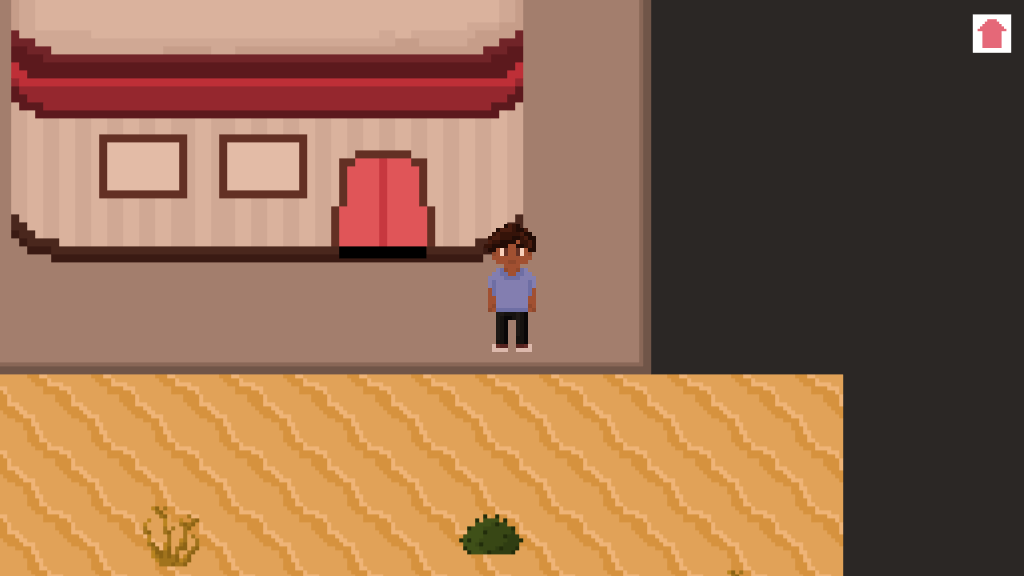
While waiting for the teacher, I also worked on the exterior a little. I’ve added the diner building and made sure the character spawns in the right places when entering and exiting the building. I’ve also added some new floor tiles.
I also noticed a bug in one of my scripts, the one that handles the interior switch. What I want is that the player can only switch songs on the jukebox when in range of the thing, but the script allowed the player to just switch whenever. This is because I forgot to add a void OnTriggerEnter2D to the thing. I’m pretty sure I made the exact same mistake during BPW 1, so that’s funny. It’s fixed now, and I also made a message at the bottom of the screen pop up when the player is in range, which says “Click to switch songs!”. Another small change I made was add a little home button in the right corner instead of just a plain white square.
I’m already pretty far with my project, which is really nice. Since I also have other deadlines, I might take it easy with BPW 2 this week and focus on other subjects a little bit more. We’ll see.
05-06-2020
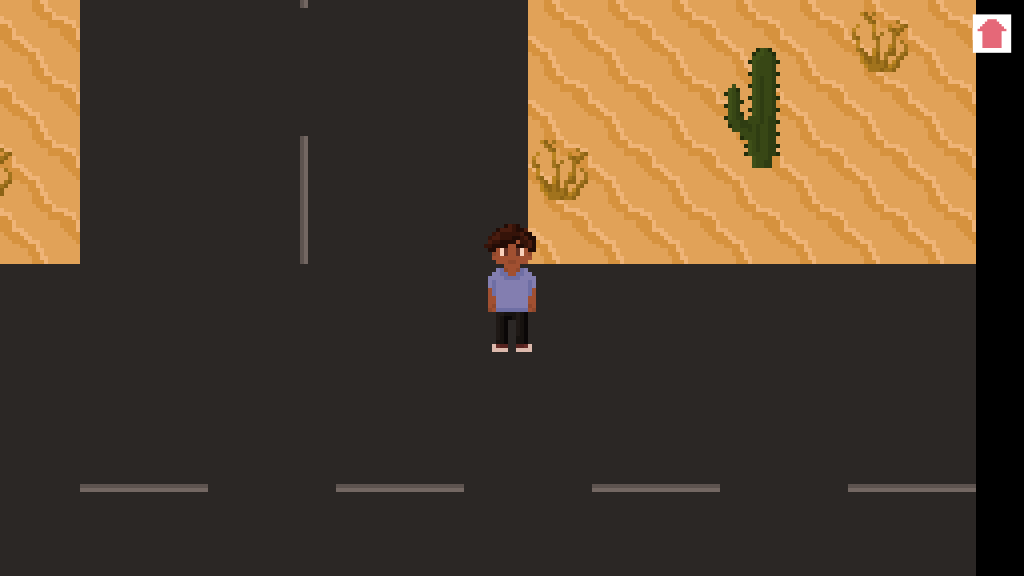
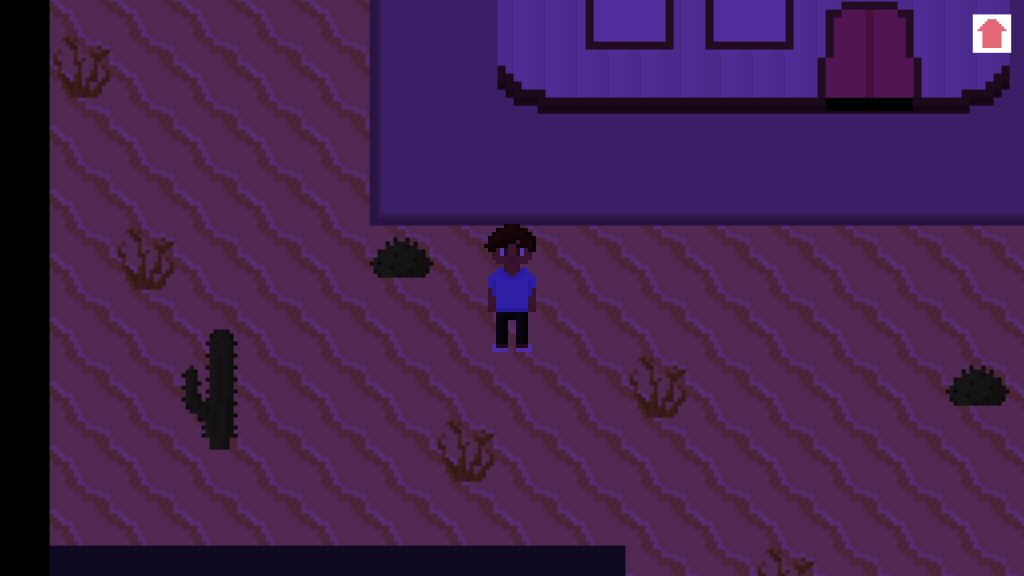
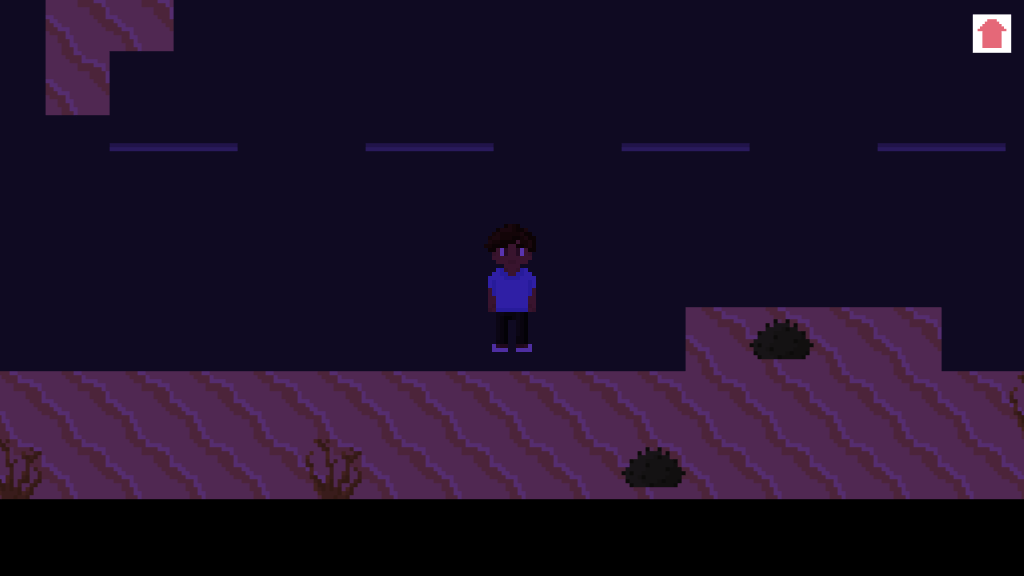
Today I worked on the exterior and I finished pretty much everything, except for the cars and the sign. I also made sure that when you exit the building in interior 1, the exterior will match the interior and when you exit the building in interior 2, the exterior will match the interior as well. However, when the player returns to the diner, it will automatically have interior 1 because it hasn’t saved the last state of the scene. I’ll have to look into this more but I have a feeling it’ll be pretty hard to solve for me.
I might also turn this bug into a feature by having the main character react to it with a “Huh? That’s weird…” but for that I’ll also have to make sure that message only appears when the player goes from exterior 2 to interior 1, which is probably even harder to do. So my current solution would be let a cutscene play when the player leaves the building from interior 2 to exterior 2 in which toxic gases appear and kill the main character (tying nicely into the post apocalyptic part of the game). This solves my problem, because the player won’t ever be able to return to the interior from exterior 2. It also ties in to the setting and it gives me an opportunity to create my own shader (if I’m understanding shaders right at this moment).
06-06-2020
I didn’t have any time to work on BPW 2 today, unfortunately. I did realize I haven’t watched the new tutorials provided in class yet, so I’ll do that tomorrow.
07-06-2020
I watched the tutorial video’s on shaders today. For some reason my brain isn’t working with me today, so I’ll keep it on that and I’ll look further into it tomorrow.
08-06-2020
I realized I haven’t added any post processing yet, so I worked on that today. I played around with the shadows a little and added some film grain for a more retro-y feel to the environment.
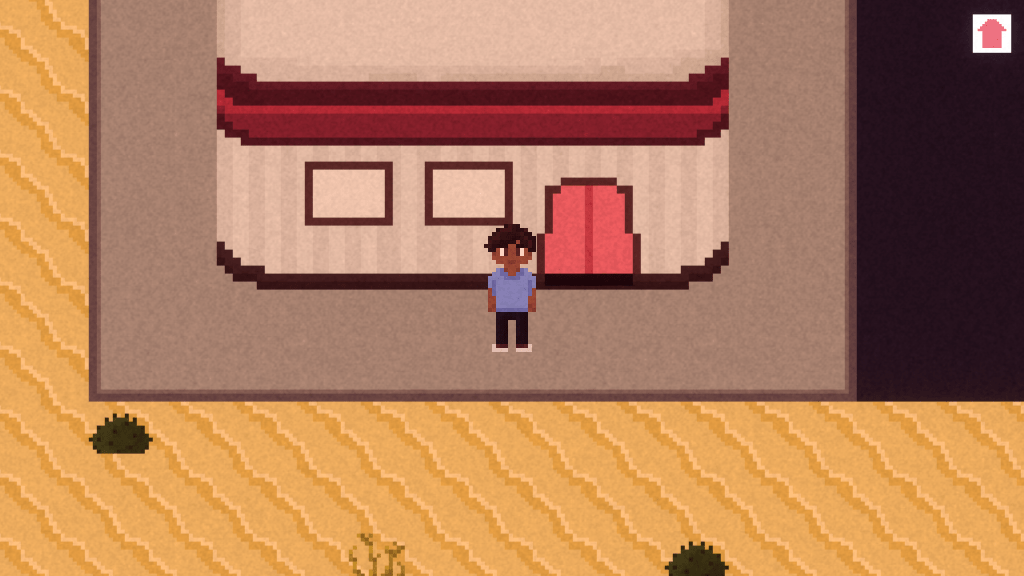
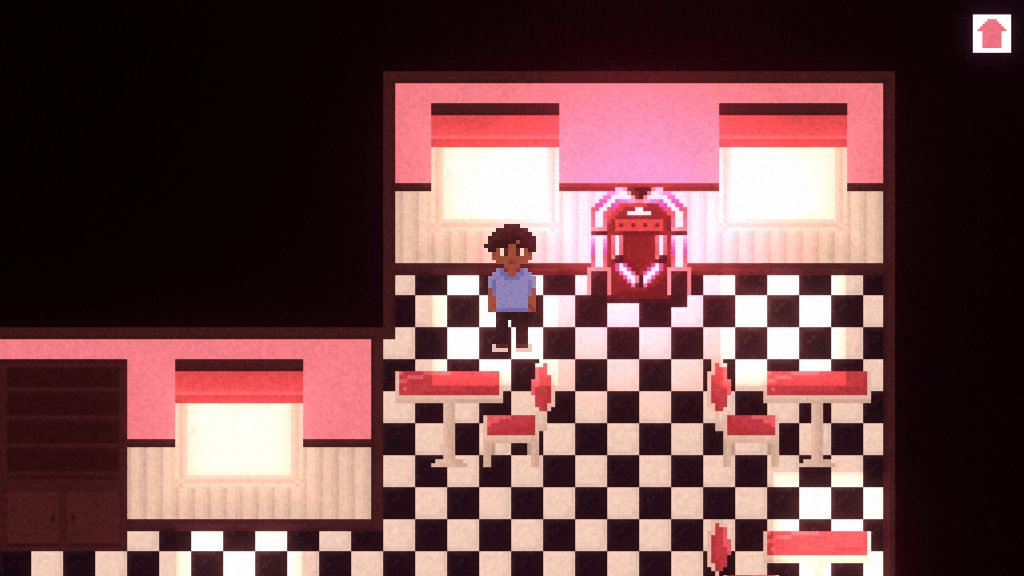
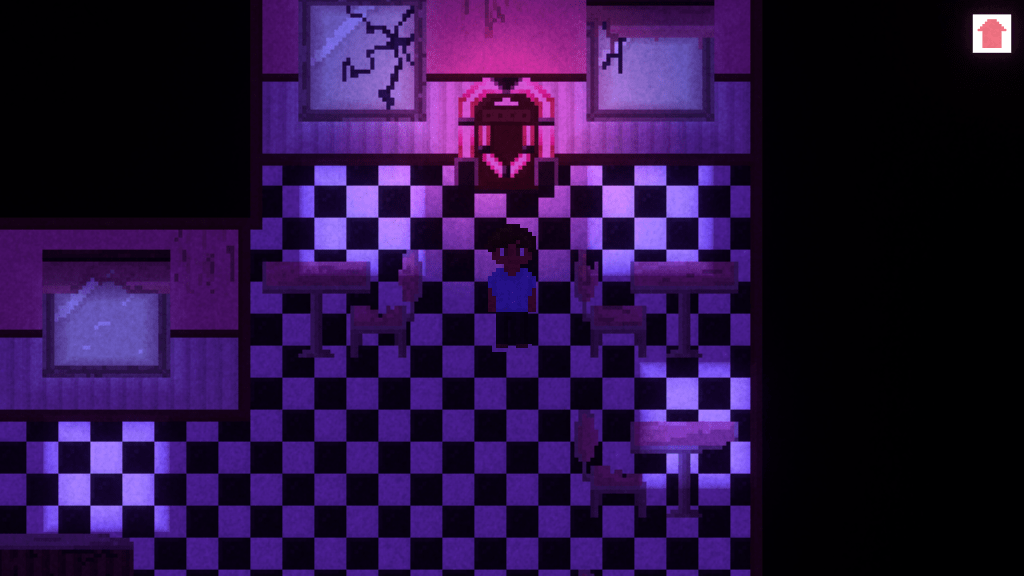
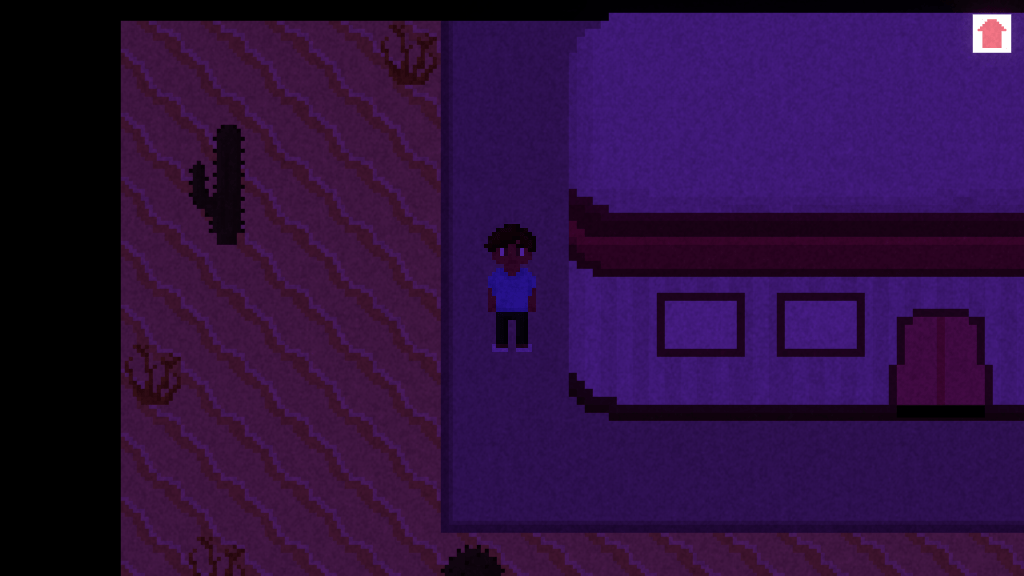
For the shader, I want to create toxic clouds that appear as soon as the player goes outside in the post-apocalyptic world. They’ll then make the player explode or something like that. I already have an idea of how I could make the shaders necessary for this, but I don’t know yet how to animate it with the animator of Unity.
I have also added in some music in the game. The jukebox plays two songs (obviously): a calm and happy song for interior 1 and a distorted song for interior 2. The first song also has a bit of a surreal vibe to it, to give the player already a bit of an anxious feeling as if something is wrong. The music only plays inside the building. I might add some extra music for outside or distort the two songs I already have for the exterior so that it is as if the music is playing from the inside, but these are all things I’ll add if I have extra time.
Now with post processing and music, there’s only a few more things I need to implement in order to finish the game:
- A shader (the toxic clouds that appear and the main character that explodes)
- An animation to the shader (the appearing of the clouds, them moving closer to the main character, the main character exploding)
- The cutscene (basically everything I mentioned above but as one working cutscene that immediately starts playing when the player decides to go outside in interior 2)
- Character animations (I might have to leave this one out because it’s very time-consuming and it’s something I’m willing to give up in order to be able to finish everything else and make it look good)
If I work hard, I should totally be able to finish this by Sunday. Considering I have several other deadlines, however, it might take me a little longer. It’d be really nice to finish the project this Sunday, because that gives me a week to make some tweaks or add some new features. We’ll see.
09-06-2020
Today is Tuesday. I have not worked on BPW 2.
10-06-2020
Today I set up the cutscene for the game. It triggers as soon as the player enters exterior 2. For this, I’ve disabled the player and camera movement scripts. I’ve added a script to the camera which handles the cutscene. I used a coroutine for all the actions that happen in the cutscene. For example, it starts with a small animation of the main character moving and the camera following. Then, the coroutine waits a few seconds before showing a text popup. This way, I’ll make the entire cutscene. It ends with a button popup the player can click to return to the main menu.
I’ve also already added in a shader which lets the main character “explode”. I still have to add in the toxic clouds, but I’ll do that tomorrow.
I got a lot done in the past week. Right now, my game already has everything in it that it should have, so that’s really good. With still about 1.5 week before the deadline, I have plenty of time to make the game look really good.
 Building Playful Worlds