13-02-2020
Today was the second class of Building Playful Worlds. We focused on triggers and how to change the color of a pillar by colliding with a trigger placed in the world. Before we started, I already had a little bit of an idea of how to get that to work.
What I wanted to do to solve the problem, was to add a collision script to the player. The script would have an if-statement that said, “if the player collides with the game object called Trigger1 (my trigger for the color change), then the color of the material on the pillar will change to [color]”.
Eventually, with some help of others, I decided it would be better to put the script on the trigger instead of the player. Then, instead of having the script look at the name of the game object, I made it look at the tag of the object, in this case my player, which I simply tagged as “player”. This is a much cleaner way of adding collision, because if the script has to look at the name, it has to check all the names of every game object in the scene, which can take a lot of time if your scene has 100+ objects in it. I also added a variable for the color in the script. This way, I can easily decide in Unity which color I want the pillar to change to, once the player collides with the trigger. I put three triggers next to each other, which all change the pillar to another color.
I thought it was a fun exercise to do, and it wasn’t as difficult as I first thought it’d be. I’m gonna play around with it a bit more at home, to see if there’s other things that I can change about the pillar on collision with a trigger.
This week, I also want to establish what I want to do with my final assignment. I already know I want to do something with horror, and either something in a very dark forest with a flashlight, or in a dark house, in which the player can roam around. I don’t know yet what I want to do with my cut scene, and that’s something I want to have a general idea for by next class. I also want to make some concept art.
14-02-2020
I’ve been thinking of a good concept for my final assignment. Right now, my idea is a free-roam game, in which the main character is in a house at night. The player can roam around in the house, which is a terrible place to be at. Going certain ways triggers small cut scenes. These cut scenes show the player all sorts of scary things: ghosts or creatures running down the halls or stumbling down the stairs, terrible things that have happened in the different rooms of the house, or just scary ambiance happening (slamming door, footsteps upstairs even though you’re alone, a flickering light).
Although I’m not sure if the game has to have a goal, I do want to include one. It can be something very simple, such as “leave the house”. I can make it a puzzle game, which involves the player having to find keys to open locked doors, which open up new parts of the house. In the last part the player can find the key of the front door.
I’m not sure if I can realize this idea, but it does sound very cool to make. In the following days, I’ll cook up some concept art for the game, and I would also like to make a main menu.
15-02-2020
Today, I’ve written a very basic script that detects collision between the player and a key and then makes the key disappear. It also shows a message on screen that reads “OBTAINED KEY”. I wrote it with a lot of help of the internet, but I understand what the script does and I’m very happy it works.
This is only half of the interaction that’s necessary for the game, though. I also need to make a door that’s locked and cannot be unlocked as long as the player doesn’t have the key. When the player does have the key, the door can be unlocked. I think I can make this work by using a boolean. If I set player_has_key to false in the beginning of the game and make sure this changes to true when the player obtains the key object, I can add an if/else statement to my door object that says, if player_has_key is false, the door is locked, and else, it is unlocked and can be opened by pressing a certain button.
It sounds pretty easy when I put it like this, but I honestly have no idea if it actually works like this or not. I’ll look into it a little bit more during this week and hopefully I’m already on the right track.
16-02-2020
Since it was very late yesterday when I was working on my script, I placed it on the player instead of the key. So today, I rewrote the script a little and placed it on the key instead of the player. I also wrote another script that detects collision between the player and the door, and checks if the player has the key. If the player doesn’t, a message is shown telling the player they need a key. If the player does, the door unlocks and opens. I made a quick animation of the door opening to test it, but it’s not done yet. I’ll have to make a proper door model soon that I can use.
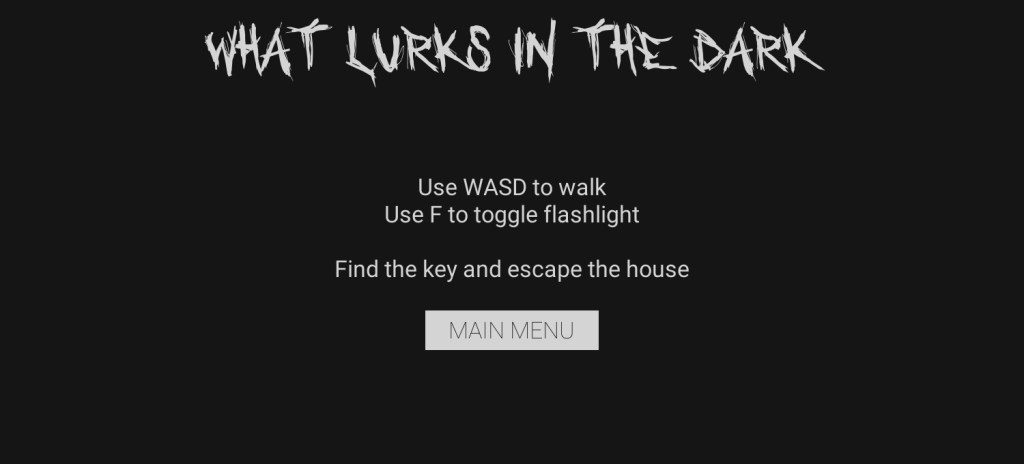
I also created a simple flashlight by making a spotlight a child of my player. I also gave it a script, which allows the player to turn it on and off by pressing F.
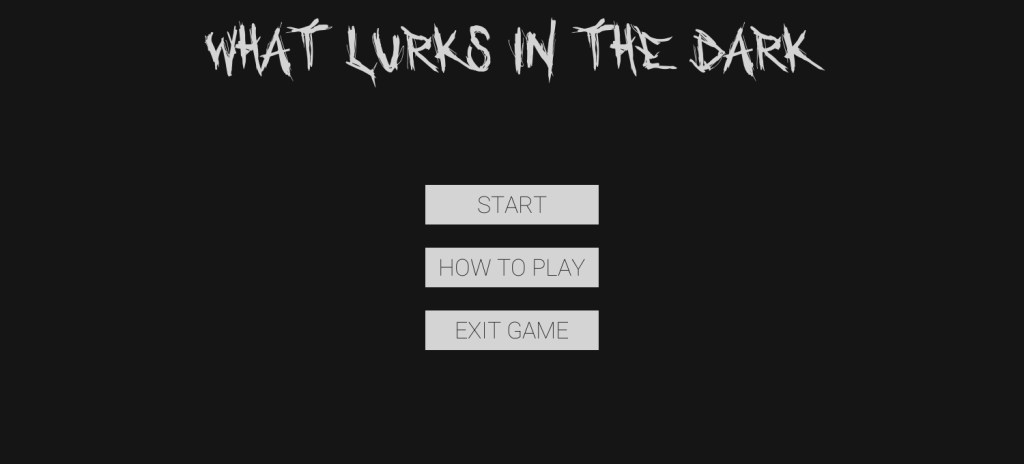
Another thing I did today was work on the main menu of the game. It has three buttons, “START”, “HOW TO PLAY”, and “EXIT GAME”. I still have to make them functional.
17-02-2020
I put everything I have so far in one project, since I was working in three different ones before. I now have one project with a main menu scene, a “how to play” scene, a level scene, and a test room in which I can play around with new scripts and objects and such. It was a bit of a hassle with moving all the scripts and reassigning them, but I managed to do it.
18-02-2020
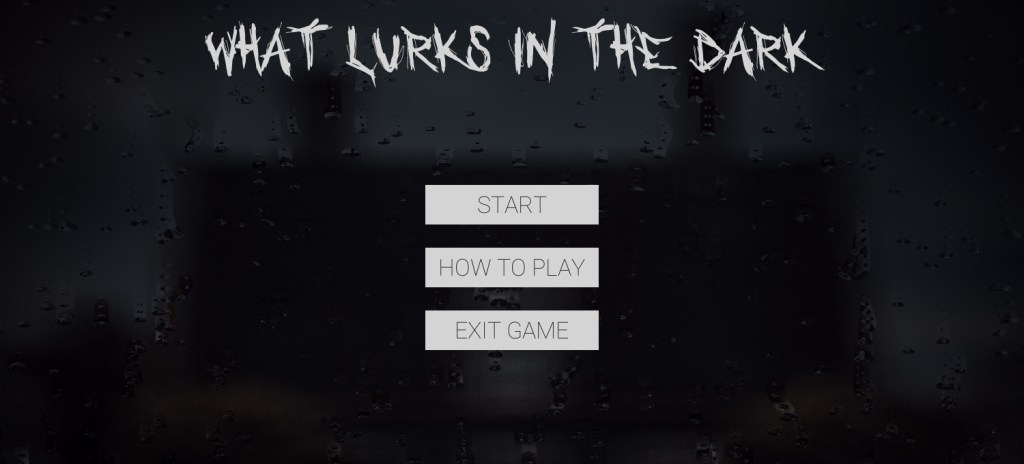
Today I followed this amazing tutorial on how to make raindrops on a window. It’s pretty complicated and works with shader coding, so I don’t really understand the code language and why everything is written the way it is, but I do understand how it works. I think it adds a nice touch to my main menu screen, pictured below. Obviously, this is only a screenshot. The end result is animated.
 Building Playful Worlds